Temu Image & Video Downloader
Select and download the product content you actually need
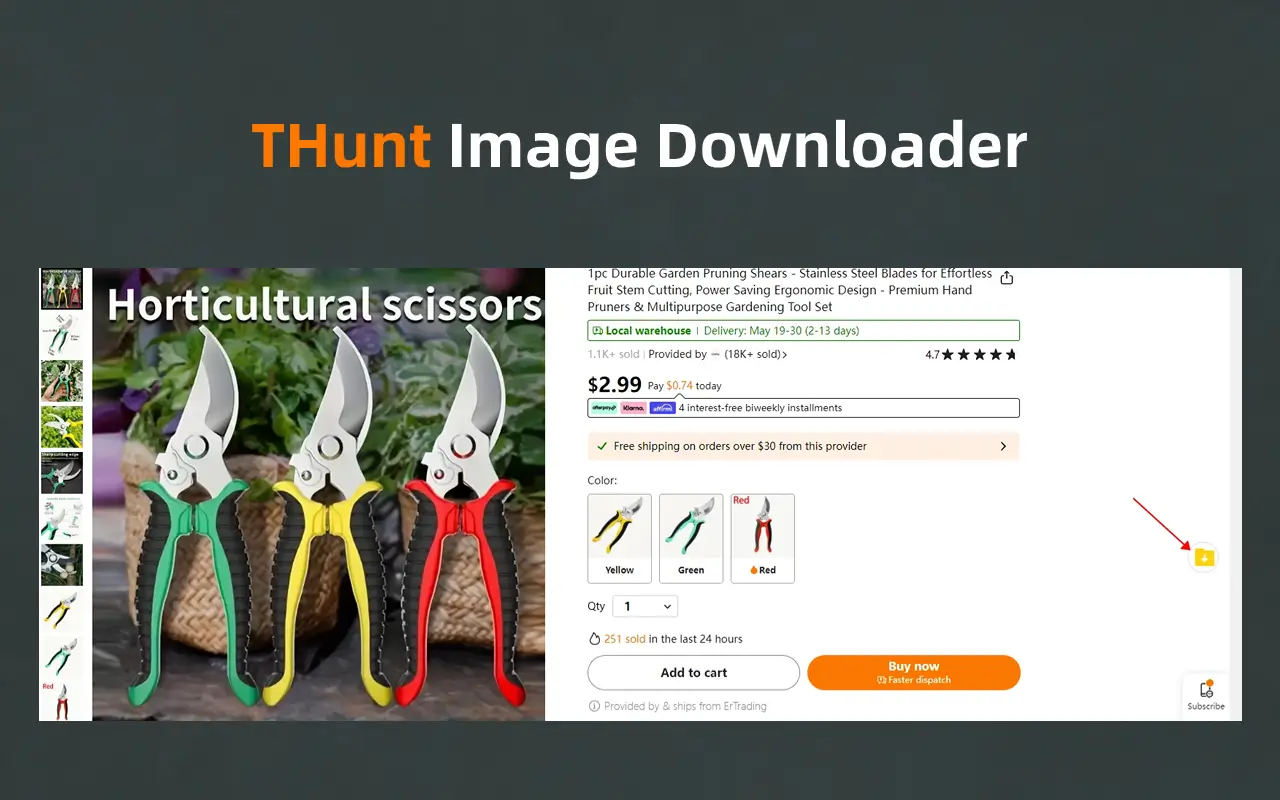
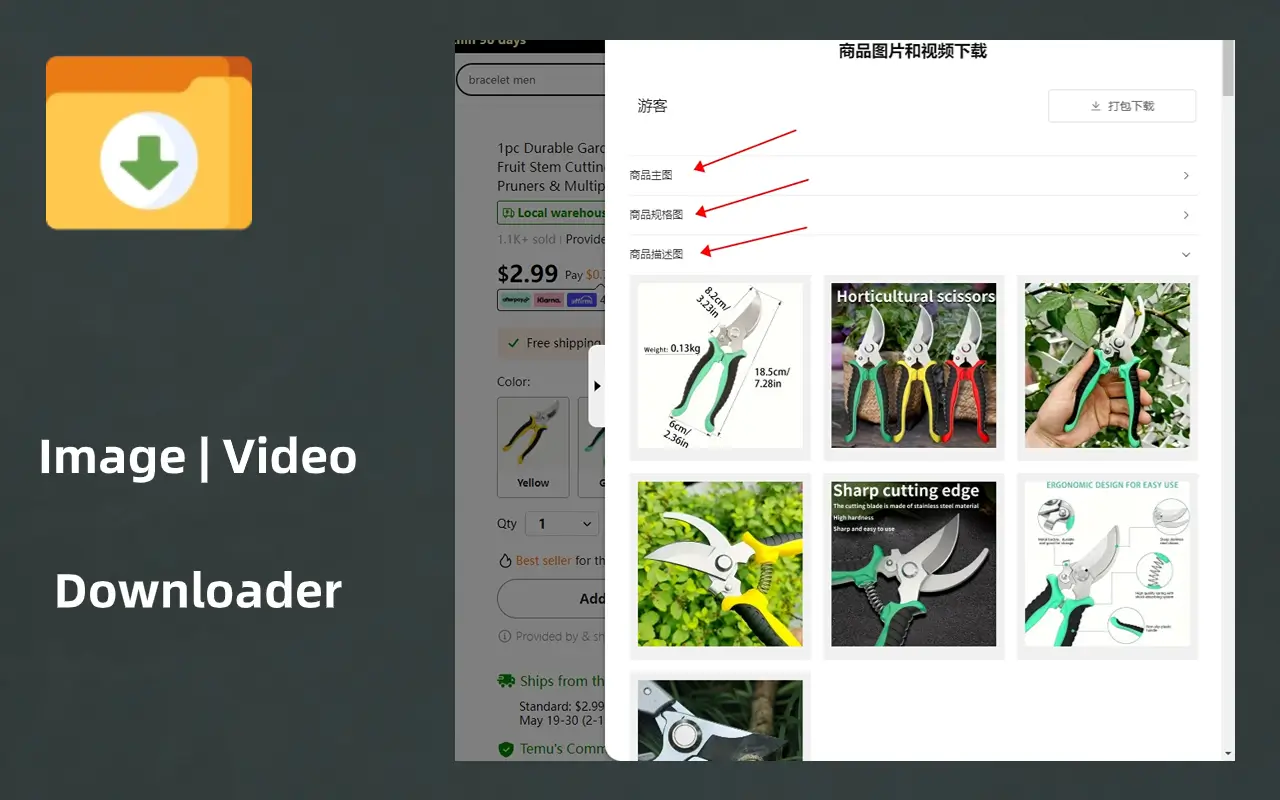
A free Temu image downloader and video downloader extension. View and select product images and videos from a Temu product page in one place instead of saving each asset individually.
A clearer way to download Temu product content
The extension focuses on selecting and downloading images and videos from Temu product pages without hunting for individual asset links.
Download product images
View product images from a Temu product page together and choose the files you need.
Download product videos
Identify supported video content on the product page and download it through the extension.
Organize common image types
Work with main, detail, and variation images commonly shown on Temu product pages.
Avoid repetitive saving
Bring scattered page content into one selection flow instead of saving every file separately.
Download Temu images and videos in three steps
Install the extension and use it directly on a Temu product page.
Install the downloader
Choose the Chrome Web Store, Microsoft Edge Add-ons, or local installation package.
Open a Temu product page
Go to the product you want to research and wait for its images and video content to load.
Select content and download
Review the available images and videos in the extension, select what you need, and download.
For workflows that repeatedly organize product content
A single content entry point reduces mechanical work across product records and research.
Product content archives
Organize main images, detail images, variation images, and videos by product for later reference.
Competitive visual research
Save the product visuals needed for internal comparison and creative analysis.
Product research records
Collect visual content alongside candidate product notes with fewer page-level actions.
About the Temu image and video downloader
Learn what content, pages, and installation options are supported.
View Installation GuideBring Temu product images and videos into one download flow
Install the free downloader and select the product content you need directly from Temu pages.